Andrew Smith
I'm just the guy who's an artist for fun. And profit.
Marvel's VENOM Valentine Poster + Symbiotic / Black Slime Layer Style Tutorial
For a special someone. Made in Photoshop, including the Venom jaw. Includes layer style tutorial for the Symbiote style I made.

The Full Poster.

This effect should be done using a Liquid brush of some sort, you can find them for free online, and using a Black color. First, the Bevel & Emboss settings.

Next, the Contour.

The texture, using the stock #5 texture that comes built into Photoshop.

The Inner Glow dictates the liquid shine/shadow effect.

The Satin.
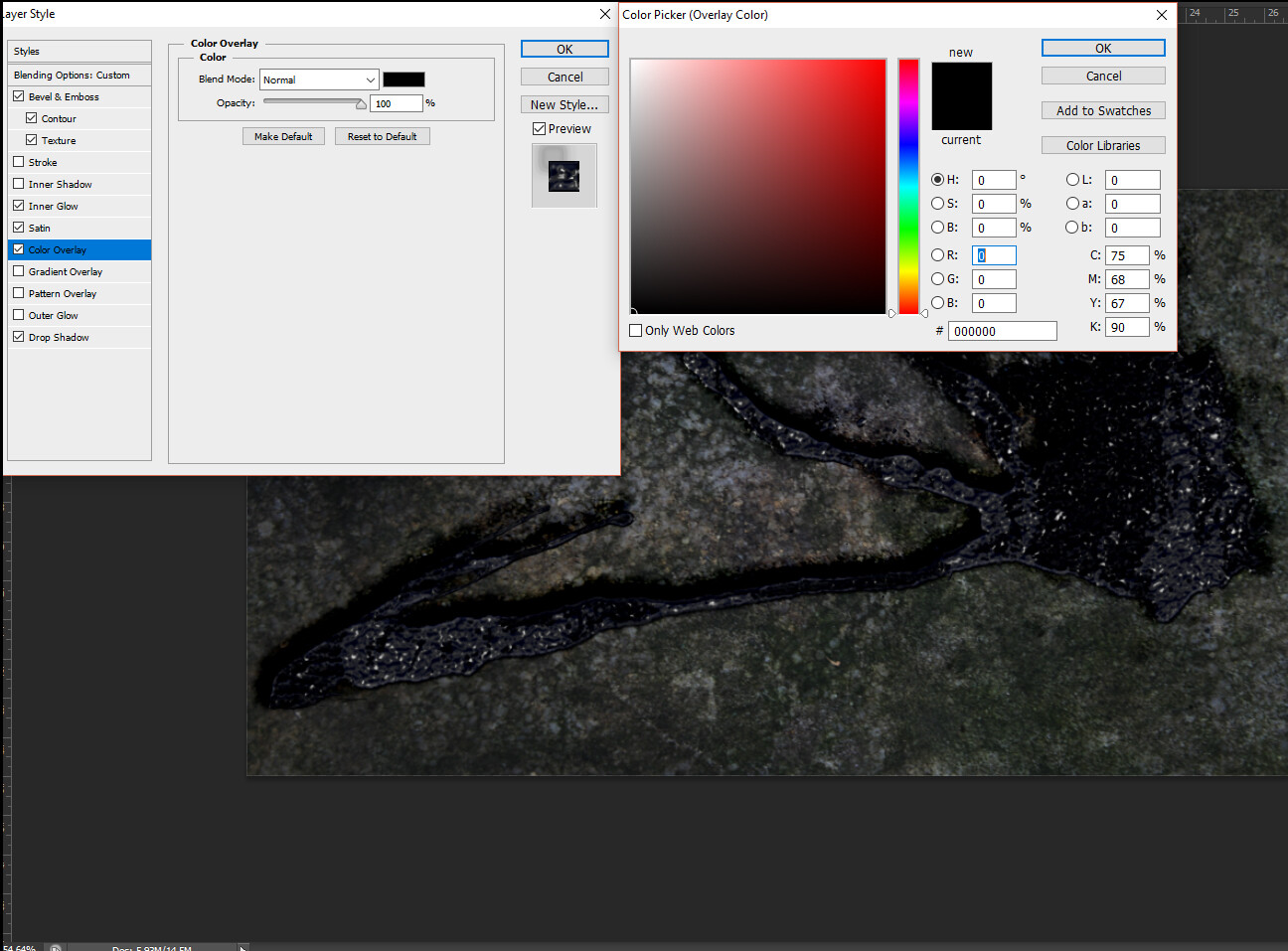
The Color Overlay dictates what color the Symbiote will be.

The drop shadow adds depth for making it appear that the symbiote is placed on a surface.